Contractor Website Launch Checklist: Test Before You Send Traffic
Use this contractor website launch checklist to test mobile pages, forms, links, SEO settings and handover. Catch practical problems before sending more traffic.

A contractor website launch checklist should confirm that a customer can understand your services, contact the right person and receive a clear next step. A design approval does not prove those paths work on the public website.
Use this checklist with the people who will answer calls, review enquiries and update project content. Record the page, device, test result and responsible person for any issue. Give each essential check a clear pass or follow-up decision.
These are practical acceptance checks for a new site or rebuild. They support a useful launch; they do not promise traffic, leads or a particular search position.
Run the contractor website launch checklist on real journeys
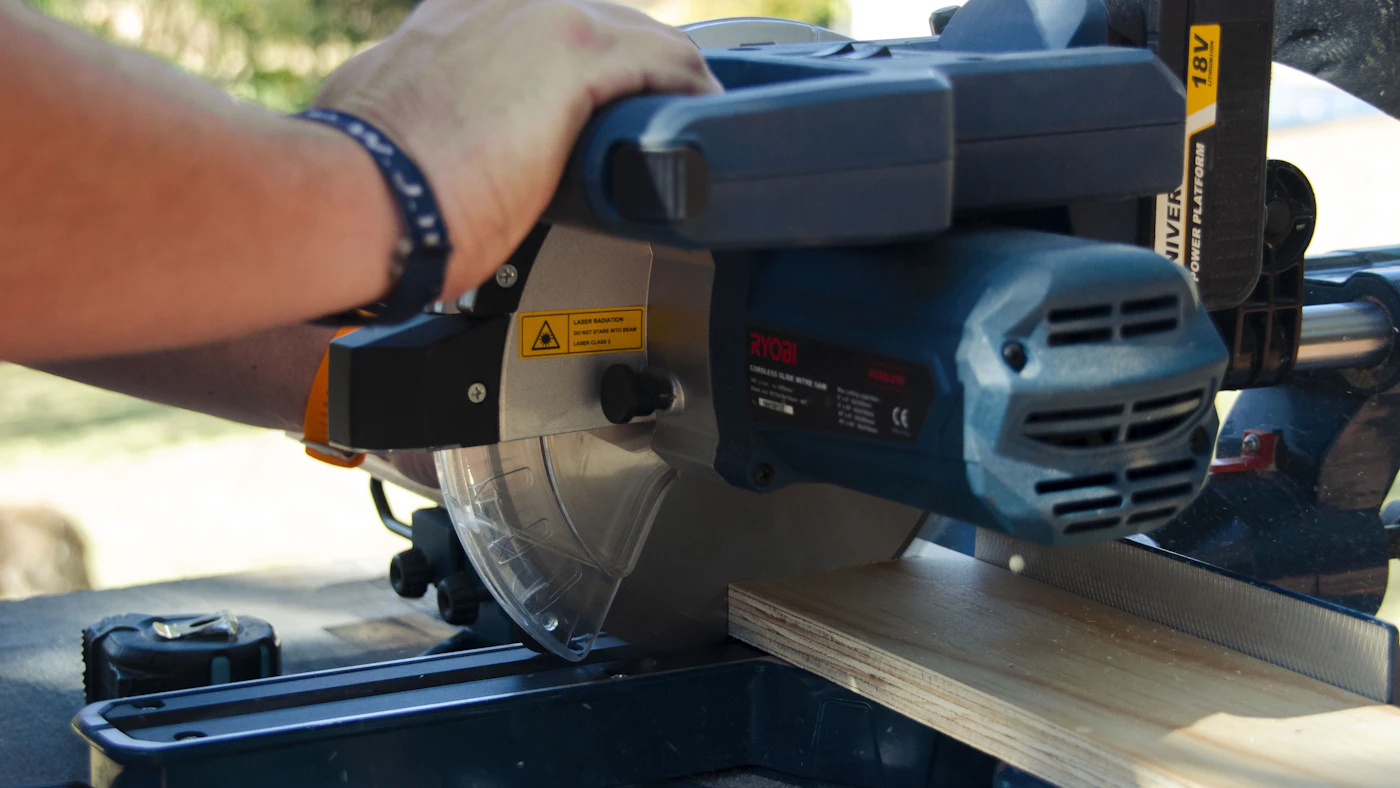
Begin on a phone with an ordinary customer task. For a Tampa contractor, that could be finding the renovation service, reading a relevant project and requesting a conversation. Use the public address rather than relying only on the builder preview.
Try another journey for a visitor who already has your business name from a referral. Can they quickly confirm the trade, coverage and contact details? Then try a visitor landing directly on a service page. The page should make sense without the homepage introduction.
Check the visible experience:
- The menu opens, closes and reaches the intended pages or sections.
- Headings wrap without clipping or overlapping.
- Text, images and buttons remain within the screen.
- Phone links open the intended number, and email links use the correct address.
- Project images load and have appropriate descriptions.
- The contact path remains available after using the mobile menu.
Also navigate with a keyboard. Check that the focus is visible and that forms and menus can be reached. The W3C’s labeling guidance is a useful reference when field names are missing or unclear.
Use actual project facts in the review. Confirm the service areas, credentials, photo captions and promises with someone authorized to approve them. A well-built page can still confuse customers if its information is wrong.
If the copy makes the process hard to follow, use our contractor website copywriting examples before the final approval.
Test the enquiry from submission to staff follow-up
A success message is only one part of a working form. Submit an authorized, clearly labeled test with non-sensitive sample details. Ask the person responsible for the destination inbox or CRM to confirm what arrived.
Check that the message includes enough information to act on and identifies the source page when that is part of the setup. If different forms route to different people, test each path. Do not assume one successful form proves the others work.
Record these results:
- The form identifies required fields and explains corrections.
- A valid submission reaches the expected stored record or destination.
- The notification contains the details the office needs.
- The customer sees an accurate confirmation rather than a false booking promise.
- A named person owns the next response and has a backup contact.
- Any agreed analytics event corresponds to the intended completed action.
For analytics, distinguish an attempted button click from a confirmed submission. Keep test traffic in mind when reviewing early reports. A tracking event is useful only when you understand what action triggers it.
Agree how the team handles incomplete enquiries and messages outside its normal response window. Publish only response expectations the business can meet. An always-available form does not mean a person is available around the clock.
Finish by checking the failure path. What happens when a required field is empty or the connection is interrupted? A customer should understand whether the request went through and how to try again.
Verify search settings, redirects and the handover

Check each important public page for a unique title, useful description and correct canonical address. Confirm that pages intended for search do not retain a staging noindex setting. Keep private, duplicate or otherwise intentionally excluded pages out of that blanket rule.
For a rebuild, compare the old addresses with the new structure. Keep useful addresses where appropriate. Where an address must change, test the planned redirect to the relevant replacement. Search Engine Journal’s redesign guidance stresses checking redirects and validating the live site after launch.
Then inspect the sitemap and a sample of important URLs in Search Console. Google’s URL Inspection tool separates indexed information from a live test. A live test or an indexing request does not guarantee that a page will appear or rank.
Your final handover record should include:
- The approved page list and any unresolved issues with an owner.
- The tested enquiry destinations and date of the check.
- The agreed account access, software dependencies and renewal responsibilities.
- The backup location and recovery contact.
- The distinction between launch corrections, ongoing care and new work.
Use our website ownership and access checklist to review the account side, and our website design cost checklist to clarify recurring services. A short written record makes the next update easier to manage.
After launch, review the public site again when forms, software or content change. Keep the checks proportionate to the change and record what passed. The goal is a website your customers and staff can use with confidence.
Need help with a specific launch gap? Send RenForge your website and the path that needs testing, or review the website systems, integrations and support options before choosing a scope.
Sources and photo credits
- Search Engine Journal: How to Avoid SEO Disaster During a Website Redesign
- W3C Web Accessibility Initiative: Labeling Controls
- Google Search Console: URL Inspection Tool
Stock photographs illustrate the topic; they do not depict RenForge client projects or results. Photos used under the Unsplash License:
- Worker in a hard hat inspecting a wall — Ali Mkumbwa / Unsplash.
- Craftsperson checking a cut with a circular saw — Ryno Marais / Unsplash.
- Laptop on a desk in warm daylight — Ozkan Guner / Unsplash.
- Person working at a laptop beside papers — laura adai / Unsplash.