Roofing Website Design: Repair and Replacement Pages for Tampa
Plan roofing website design for Tampa customers with separate repair and replacement information, relevant project evidence and a clear quote request route.
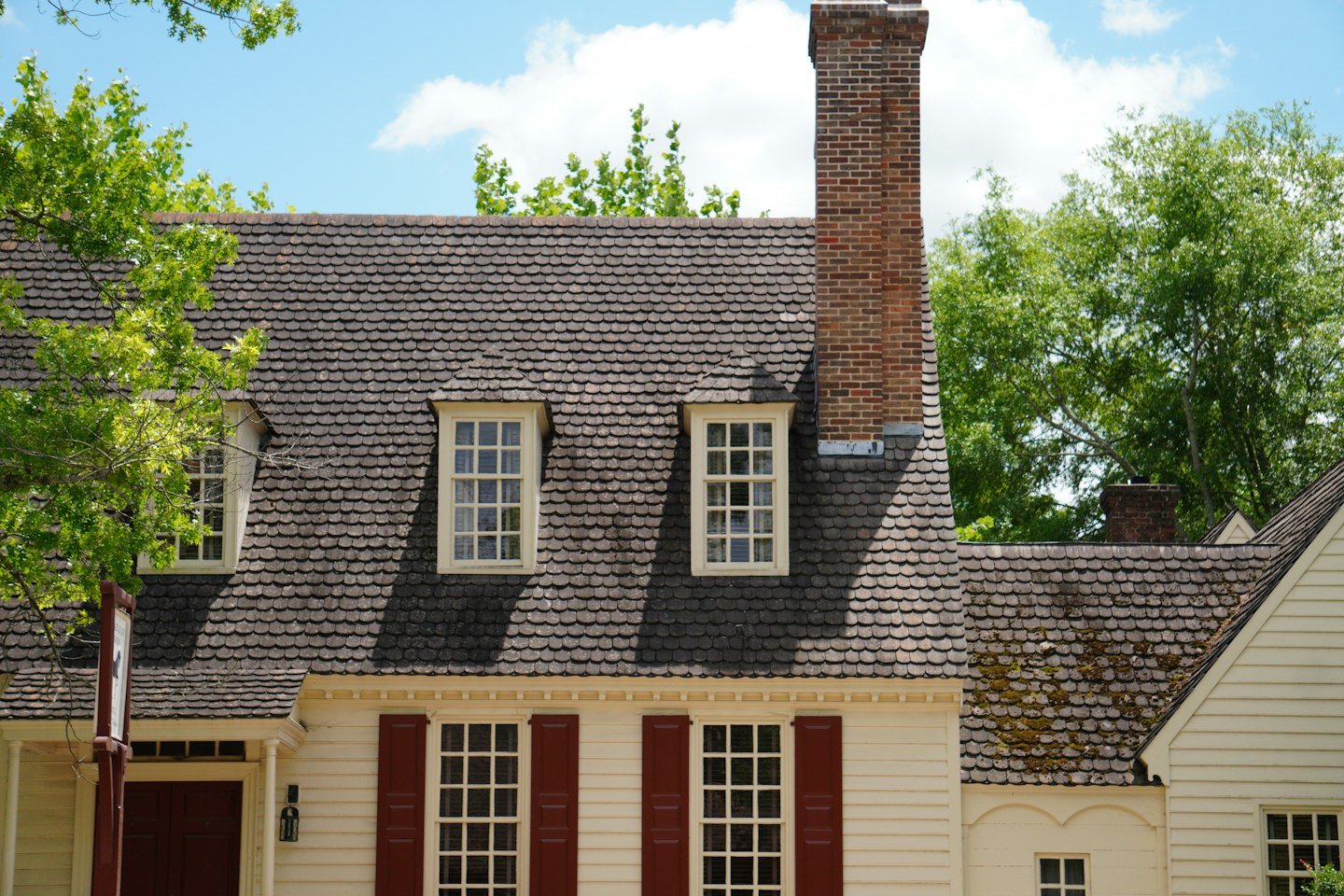
Good roofing website design helps a customer understand whether your company handles their repair or replacement project before they request a quote. For Tampa, Florida roofers, clear service pages should explain the work, the service area, the evidence available and the next step without promising an assessment outcome.
A website can acknowledge those differences without trying to assess a roof online. I would give each genuine service a clear explanation, then help the visitor reach the right person. The website’s job is to clarify the offer and the inquiry process.
For Tampa, Florida roofing businesses, keep both service explanations tied to actual coverage and capabilities. A Tampa homeowner should be able to check whether the team considers their type of property and how an assessment is arranged. Mention nearby communities only when the business genuinely serves them; do not create extra town pages to repeat the same repair description.
Organize pages around the work the business actually accepts

Begin with the company’s service list. Does it provide repair, replacement, inspections, or maintenance? Which property and roofing types can the team handle? Ask the people responsible for quoting before writing a page for every phrase you find in a keyword tool.
A repair page can explain how customers raise a concern, what information helps with the initial conversation, and how an assessment is arranged. A replacement page can discuss the planning conversation, the factors considered before a proposal, and the steps after the customer makes contact.
Neither page should tell a homeowner that a photograph or a symptom proves which service is required. Keep technical conclusions with the qualified roofing team. A useful website can say, “Tell us what you have noticed and we will explain the assessment process.”
The two pages need meaningful differences. Reusing the same text and swapping “repair” for “replacement” creates more maintenance without helping the reader. Separate pages make sense when the service scope and customer decisions are genuinely different.
For a hypothetical company, the repair page might focus on arranging an initial discussion about an existing issue. The replacement page might explain planned project inquiries and the information needed about the property. The wording should reflect the actual business, including services it does not provide.
Our service-page content brief helps collect those facts before anyone starts designing the layout.
Give each page its own proof and next step
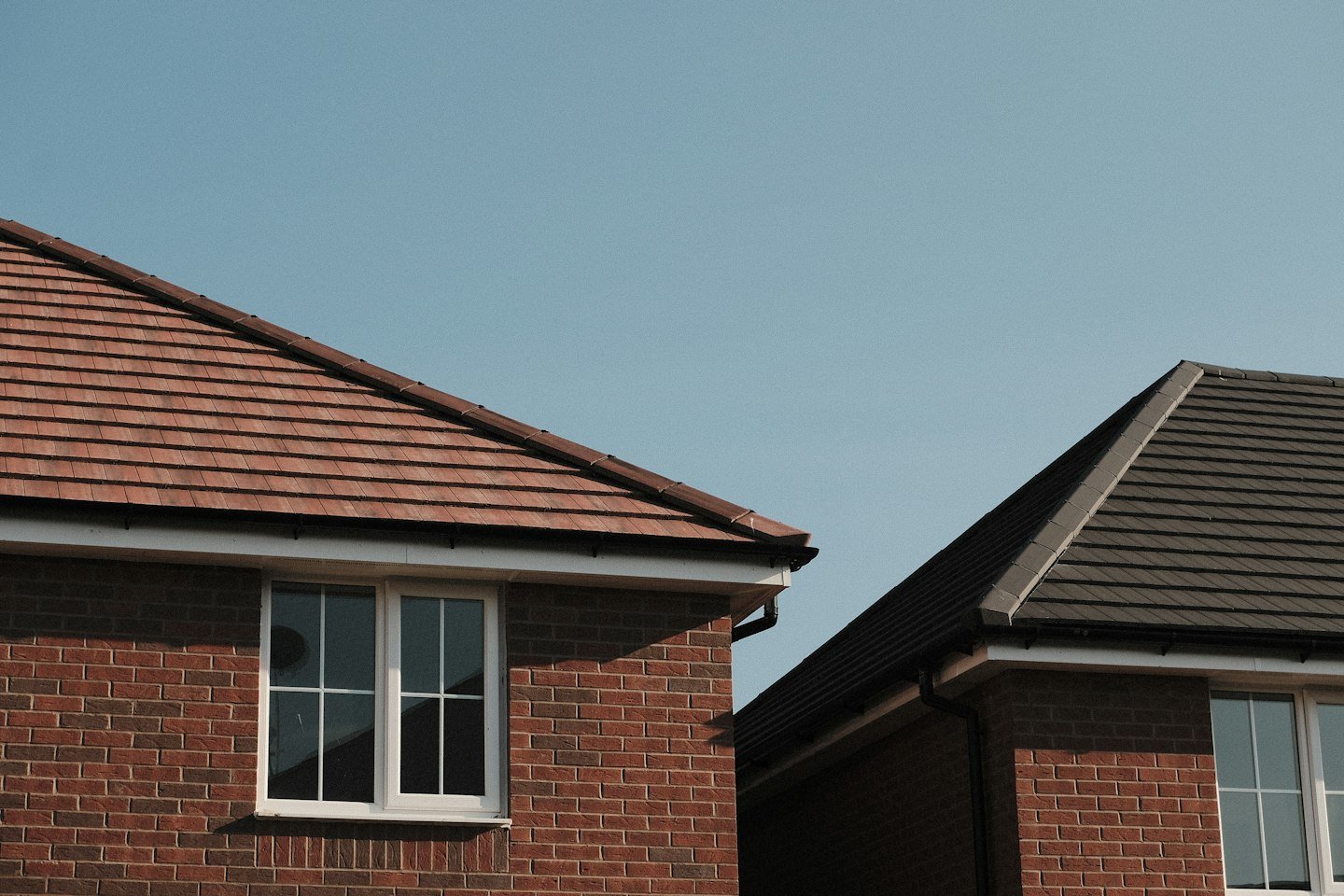
Choose examples that belong with the service being discussed. A replacement project gallery may show the scale and finish of completed work. A repair example may need a short explanation of the request and the agreed scope. Use only facts and photographs you are entitled to publish.
State what the example demonstrates. A beautiful finished roof does not explain whether the company worked on the whole property or one part of it. A brief caption about the team’s role is more credible than leaving readers to assume.
Link from the service overview to the relevant pages with clear labels. If a visitor is unsure which service fits, provide a general inquiry route rather than forcing a technical choice. The form can include an “unsure” option.
- Use a specific, accurate page title.
- Explain the service and its limits near the top.
- Answer the questions the quoting team repeatedly receives.
- Show relevant evidence with permission and context.
- Describe what happens after an inquiry.
After publication, review the inquiries from each page. If the replacement page produces mostly small repair requests, inspect its wording and navigation before buying more traffic. If visitors repeatedly ask whether you work on a particular roof type, add the verified answer.
Keep the pages connected with descriptive links where a comparison is useful, but do not make every paragraph a route to another page. The visitor should still receive a complete answer where they are.
RenForge Studio can help structure a roofing website around real services and customer questions. Explore our website services and bring your current service list and quoting process to the conversation. That gives the content a stronger foundation than a list of keywords alone.
For the next step, read our roofing quote request form guide and roofing project-photo and portfolio guide. Our illustrative roofing website studies show proposed approaches, with no completed-client results claimed.
For a related application, explore the roofing service-path design study. These planning examples explain proposed decisions and do not report completed client results.
Sources and photo credits
- Google Search Central: helpful content
- Google Search Central: SEO Starter Guide
- Further reading: Search Engine Journal local SEO for trades
Photos, in order of featured image followed by section images: Koy Gregerson; David Cashbaugh; Jack Barton. Used under the Unsplash License. These are illustrative stock photographs, not RenForge client projects or proof of work in the named city.