Contractor Website Design: Explain Your Tampa Project Process
Improve contractor website design for Tampa customers by explaining the first inquiry, project preparation, scope discussion and the next agreed step.
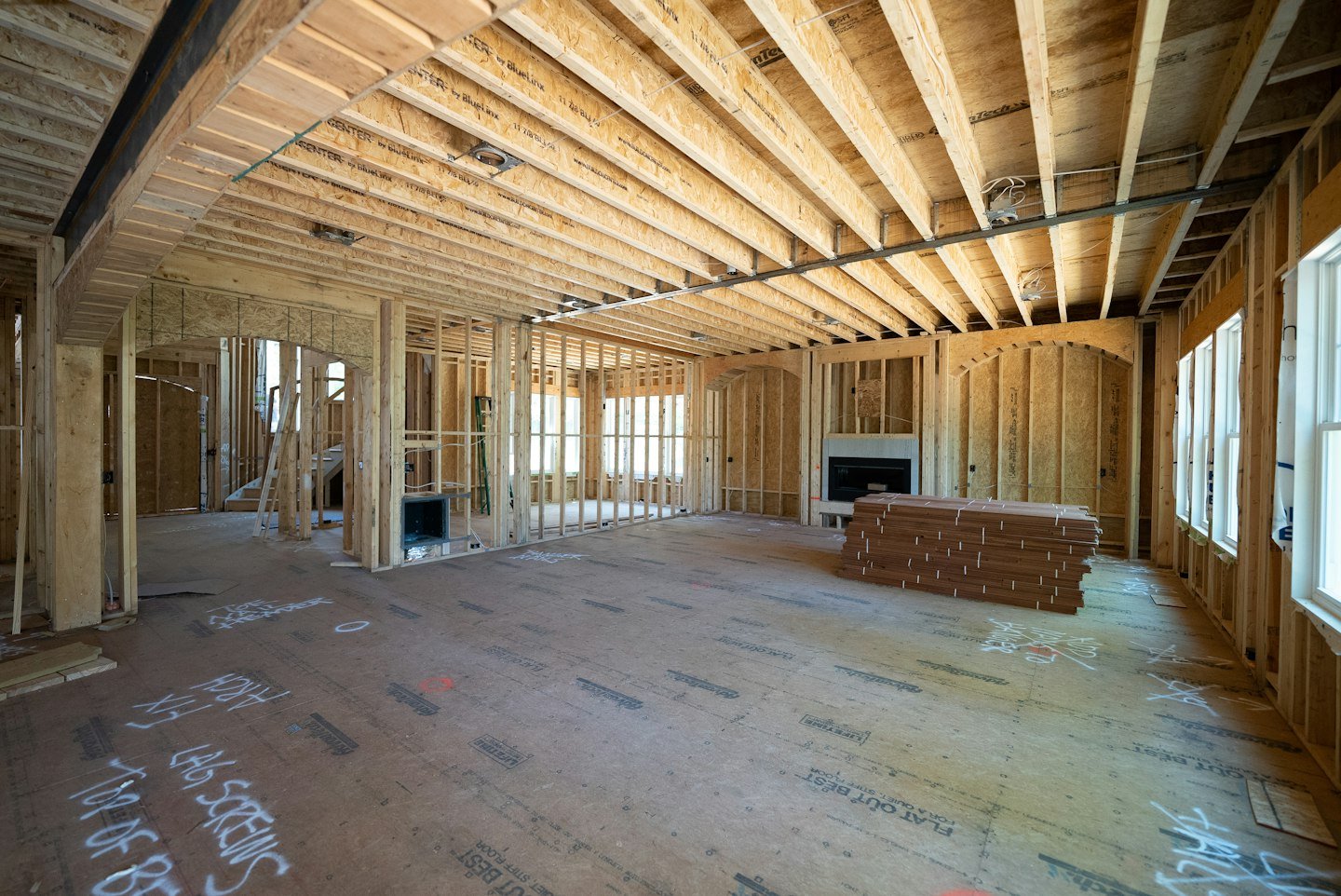
Contractor website design should explain what happens after someone makes contact. For a Tampa, Florida business, a clear project-process page helps prospective customers understand what to prepare, how suitability is reviewed and when a scope discussion or site visit may be appropriate. It makes the first inquiry easier to approach.
A clear process explanation can reduce that uncertainty. I would write it around the decisions the business and customer actually make together, using plain language and realistic boundaries.
For a contractor marketing to Tampa, Florida clients, explain when location and project suitability are checked before arranging the next step. A customer in Tampa and one in a surrounding community may need different scheduling conversations depending on the company’s coverage. Keep those decisions with the team rather than presenting a website submission as an approved visit or an agreed project start.
Answer the questions people have before they enquire
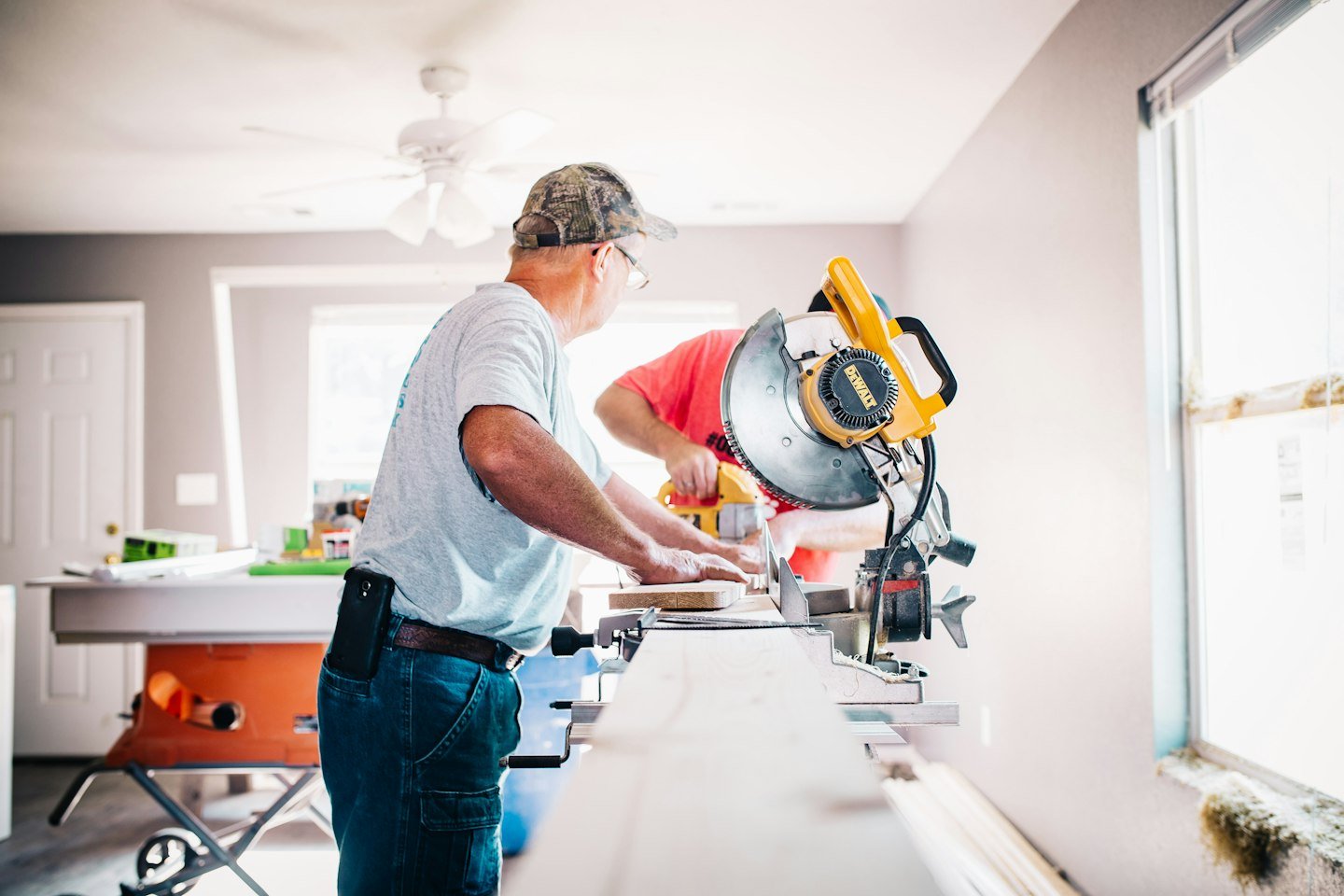
Ask the team what prospective customers usually want to know on the first call. Do they ask what information to prepare, whether the project is suitable, or how a site visit is arranged? Those are good candidates for a short process page.
Describe the first step accurately. An inquiry may lead to a suitability conversation before anyone discusses an appointment. A site visit may depend on the type of work and the information already available. Avoid presenting one rigid sequence if the company uses different routes for different projects.
For a hypothetical renovation contractor, the explanation might begin with a short project inquiry, followed by a call to clarify scope and location. The team then explains whether further information or a visit is appropriate. A proposal follows only when there is enough information to prepare one.
State what the customer can prepare without overwhelming them. A general description, location, planning stage, and preferred timing may be enough for an initial discussion. If drawings or permissions are needed later, explain when the team will ask about them rather than pretending every visitor already has a complete brief.
Keep promises under the business’s control. “We will explain the next step after reviewing your inquiry” is different from guaranteeing a start date before the team understands the work. If there is a consultation or assessment fee, make the relevant information clear before the customer agrees to that step.
Our FAQ content guide can help organize these recurring questions without turning the page into a long list of generic answers.
Connect the explanation to forms, proposals, and follow-up

The process page should match the rest of the website. If it says the first step is a project review, the form confirmation should not announce a confirmed booking. If the company needs to check coverage first, ask for the general location.
Review button labels with the team. “Tell us about your project” can be appropriate for an early conversation. “Book a consultation” should lead to a genuine booking process with clear terms for that appointment. The label should help the customer understand the commitment.
A small process summary can include:
- What to send with the first inquiry.
- How the team checks whether the project fits.
- When further information or a visit may be requested.
- What a proposal or estimate covers at that stage.
- How the next step is agreed.
Keep detailed contract terms in the appropriate documents. The website should make the route understandable, while the business confirms project-specific scope, costs, and responsibilities through its normal process.
Ask a person outside the company to read the page and explain what they think will happen after submission. If they expect an immediate fixed quote or a booked visit when neither is offered, revise the wording before launch.
After the page is live, ask the office whether customers arrive better prepared. Repeated questions are a useful signal to improve an explanation. Do not add a new step to the website just because a competitor uses it.
RenForge Studio helps turn service information and inquiry routes into clearer websites. Explore our website and content services or talk through the process your contractor website should explain.
For the next step, read our contractor contact form guide and contractor lead follow-up checklist. Our contractor website planning studies show proposed approaches, with no completed-client results claimed.
A contractor website process checklist for Tampa projects
For contractor website design, start with the first decision a prospective customer needs to make: whether the company handles their project and what happens after they ask. A clear process helps them prepare without implying that a form submission secures a visit, quote or start date.
- Before contact: name the work types and real coverage. Explain who the service is for and link to relevant, approved project evidence.
- Initial inquiry: request a general project description, location and a reliable reply method. Explain why any required field is needed.
- Office review: state how fit is checked and who explains the next step. Publish a response window only if the team can honor it.
- Consultation or site visit: explain what it covers and any fee before the customer agrees. Keep project-specific decisions with the qualified team.
- Proposal: distinguish a preliminary discussion from an approved scope, contract or booked project.
What should a Florida contractor confirm with a web designer?
Bring the same project process into the website brief. Before approving a proposal, ask the designer to explain how a visitor moves from a service page to a useful inquiry and how the office receives it.
- Pages and evidence: which services need their own page, and who supplies approved project photos and current business details?
- Form delivery: which inbox or system receives requests, who tests delivery and what the customer sees after submitting?
- Mobile use: can someone read the process, tap the phone number and complete the form without overlapping controls?
- Ownership and upkeep: who controls the domain, website and analytics accounts, and what does ongoing support include?
- Scope and budget: what is included in the quoted work, and which integrations or later changes cost extra?
Compare proposals against that written brief. It makes differences easier to assess than a gallery of attractive homepages alone. Our contractor web design buyer guide expands the comparison; the website cost and quote checklist helps organize the budget questions.
Writing example: “Tell us the project type and property city. Our team will review whether it fits our services, then explain what information or visit is needed before a proposal.” A contractor should adapt that wording to its actual process.
For an agency comparison, use our contractor web design services buyer guide. For the next content decision, see the contractor project portfolio guide and the Brandon contractor brand-system planning study.
Put the process into the website provider brief
Give the designer the approved customer steps and the office responsibilities behind them. Include the information required before a visit, the person who confirms suitability and the wording used when a request needs more detail.
The contractor estimate-visit preparation guide explains the customer-facing part. The website project brief checklist turns it into requirements a provider can price and demonstrate.
Sources and photo credits
- Google Search Central: helpful, reliable content
- W3C Web Accessibility Initiative: forms tutorial
- Further reading: Search Engine Journal local SEO for trades
Photos, in order of featured image followed by section images: Samuel Cruz; Annie Gray; Barn Images. Used under the Unsplash License. These are illustrative stock photographs, not RenForge client projects or proof of work in the named city.