Image SEO for Service Businesses: Photos, Alt Text and Credits
Choose useful service-business photos, write accurate alt text, preserve image credits and prepare images that fit the page without unnecessary loading cost.
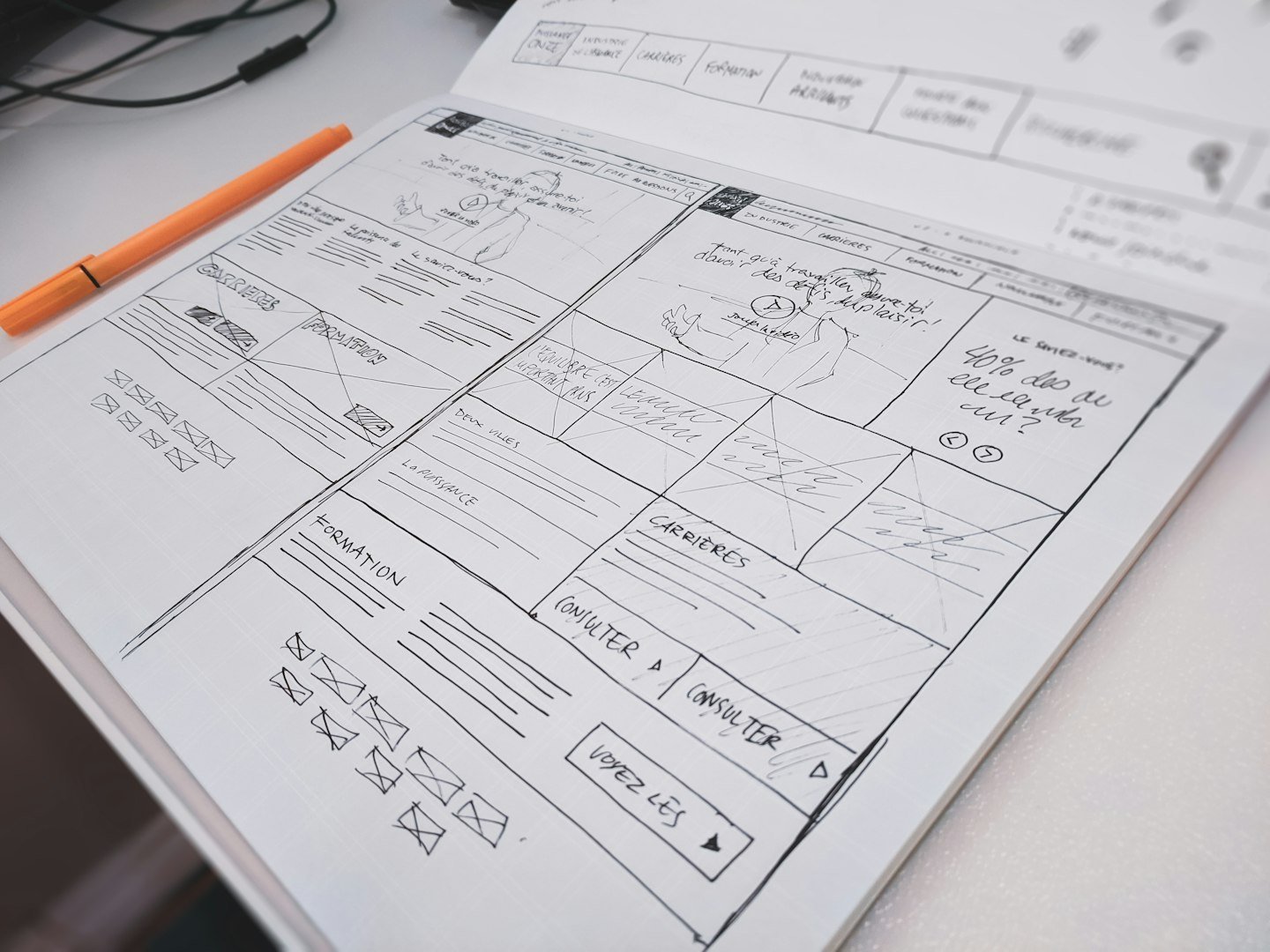
Image SEO starts with choosing a picture that helps the reader understand the page. An approved project photograph can explain real work; a stock photograph can illustrate a general discussion. Both need honest context. Adding a photograph beneath a heading does not make an unsupported claim more credible.
Choose an image for a specific job
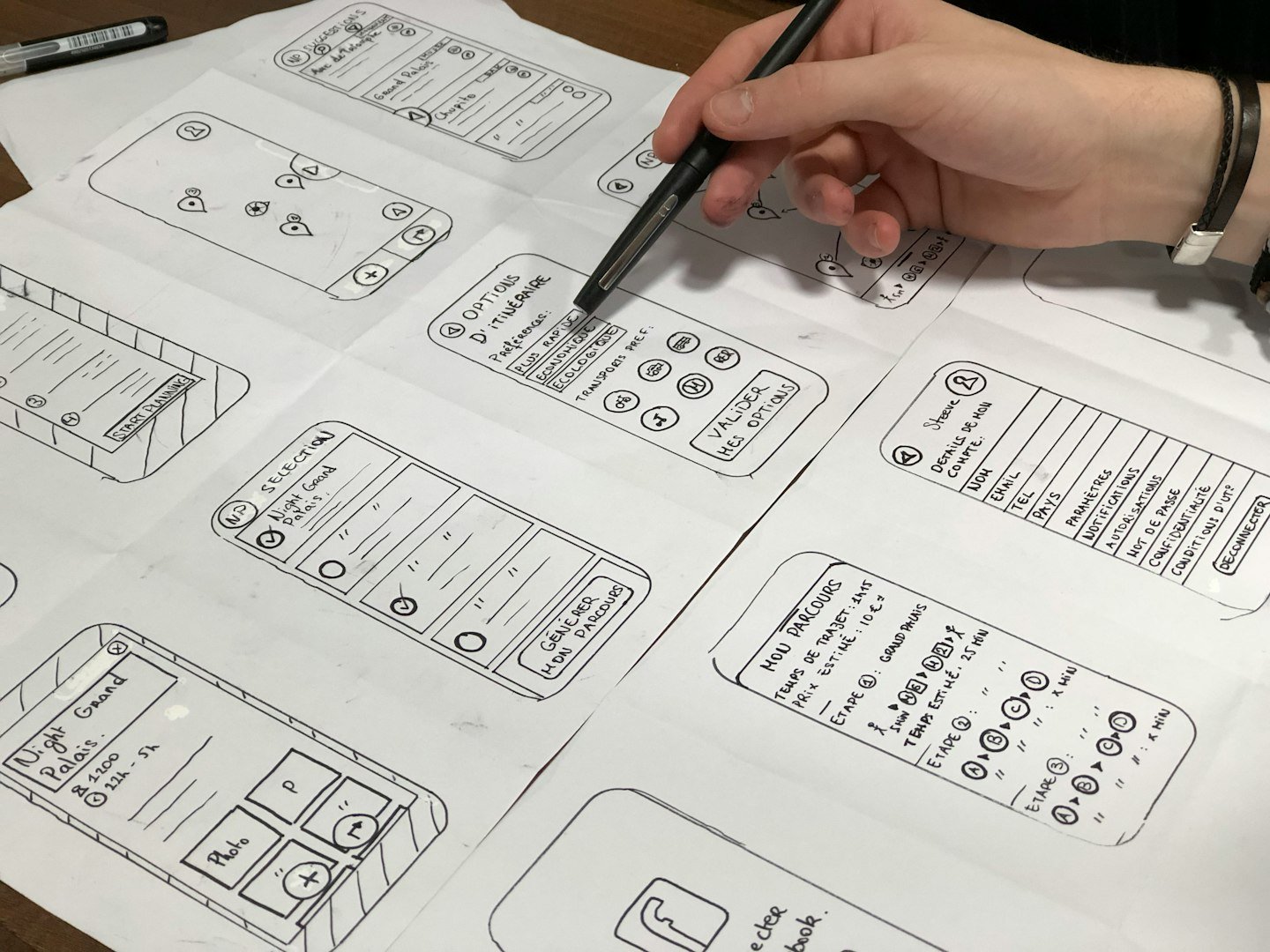
Ask what the reader should learn from the image. A detail photo might show the finish of a completed installation. A process image might show the stages of a genuine project. A general office photograph can introduce a planning topic, but it should not be presented as your team or premises unless that is true.
Keep a record of the source page, creator, license and any customer approval. Finding an image in Google is a discovery step, not evidence that it can be reused. Follow the original provider's terms and distinguish a paid collection from a free-license collection.
For a project story, ask whether publishing the photo could expose an address, a person or confidential information. Confirm the required permissions before upload. Credits help readers identify the source; they do not replace the license or consent needed for that use.
Describe the visible information accurately
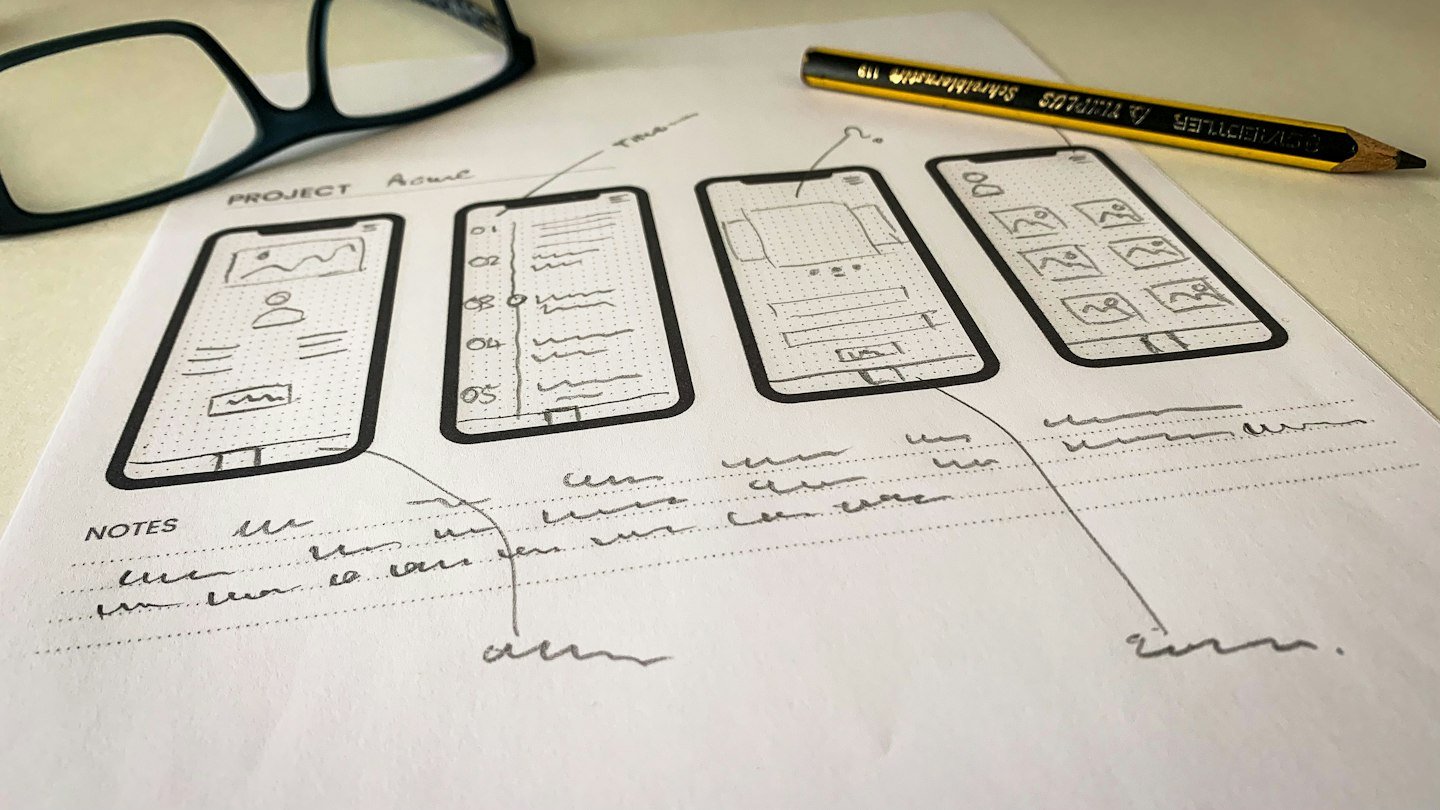
Kristi Hines's SEJ discussion explains why descriptive alt text matters for image understanding and accessibility. Write the alternative around the purpose of the image in that context. Do not use the field as a list of cities, services or repeated keywords.
For an illustrative roofing page, 'New flashing around a roof vent' is more informative than 'best roofing contractor affordable roofing.' Do not add a location, material or result unless the image and project record support it. A decorative flourish can use an empty alternative when it conveys no useful information.
Use captions for attribution, context or an explanation that sighted readers also need. The alt text describes the relevant visual; the caption can identify the photographer and explain that a stock image is illustrative. These fields perform different jobs and do not need identical wording.
Prepare the image and check the page

Choose dimensions appropriate for the display and keep a high-quality original separately. A small card does not need an enormous source file. Preserve the aspect ratio unless an intentional crop keeps the important subject visible. Test the crop used in the blog card as well as the article banner.
Google's image guidance recommends relevant page context, descriptive alternatives and accessible image URLs. For a practical implementation, include width and height information, use responsive delivery and load lower-page images without needlessly delaying the main content. The first prominent image may need a different loading treatment from images far below it.
Open the published page on a phone. Check image sharpness, caption contrast, layout movement and the space between headings and photos. A useful visual should support reading. Remove an image if it adds download weight while repeating information the reader already has.
Practical checklist
- Purpose, source, creator and reuse rights recorded
- Alt text describes the image without invented facts
- Dimensions, mobile crop and live image delivery checked
Continue with our mobile website performance review. For help organizing your site, explore RenForge website systems and digital support or discuss your project.
Sources and image credits
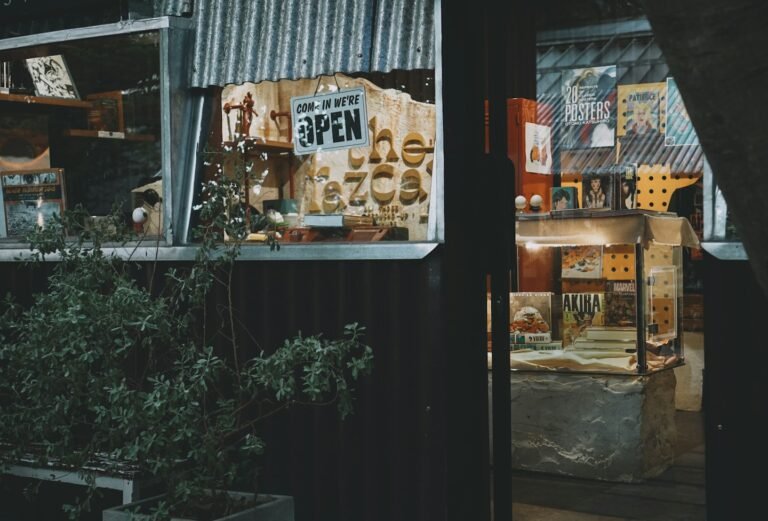
Image credits (including the featured image): Compagnons / Unsplash; Amélie Mourichon / Unsplash; Glen Carrie / Unsplash; Amy Hirschi / Unsplash. Used under the Unsplash License. Photographs illustrate the topic and do not depict RenForge staff, premises or client projects.
Published by RenForge Studio. Examples illustrate planning decisions and do not describe measured client results.