Tampa Roofing Websites: Plan for Missed Calls After a Storm
Plan a Tampa roofing website that explains storm inquiry options, sets honest response expectations and gives callers a useful next step.
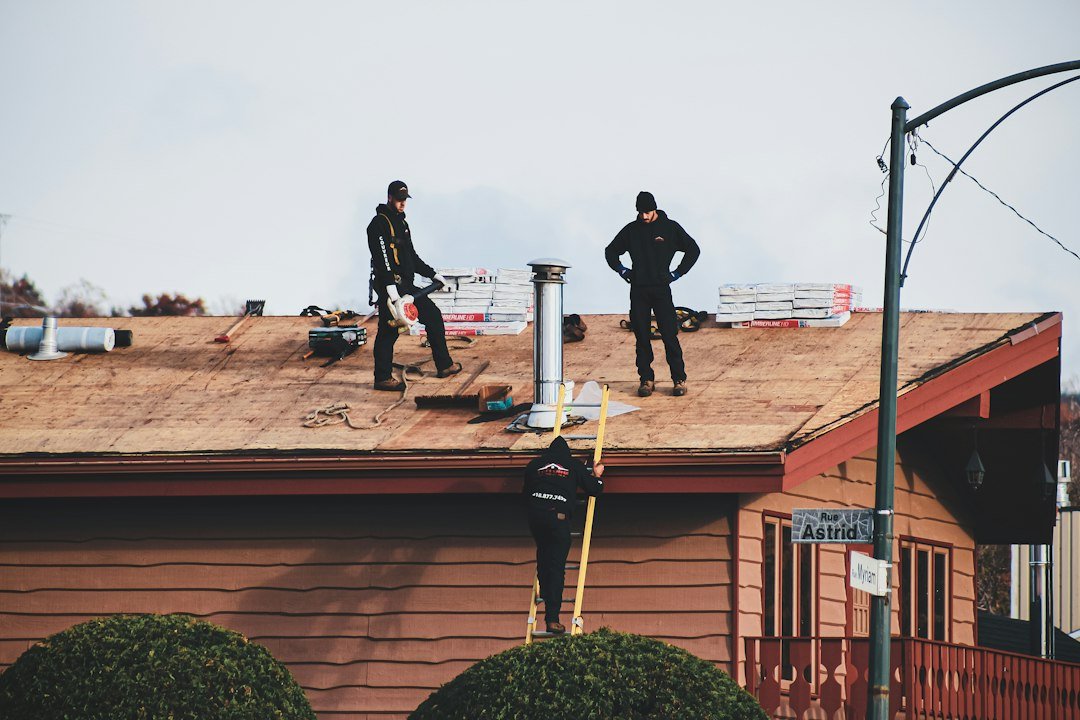
A roofing website should help a Tampa homeowner understand what to do when nobody can answer the phone. That does not mean promising instant attendance or turning a contact form into an emergency service. It means making your actual intake process visible: which work you handle, where you work, how to leave useful details and what happens next. A clear page can support the office when inquiries arrive faster than the team can review them.
Write the after-hours message before choosing the button
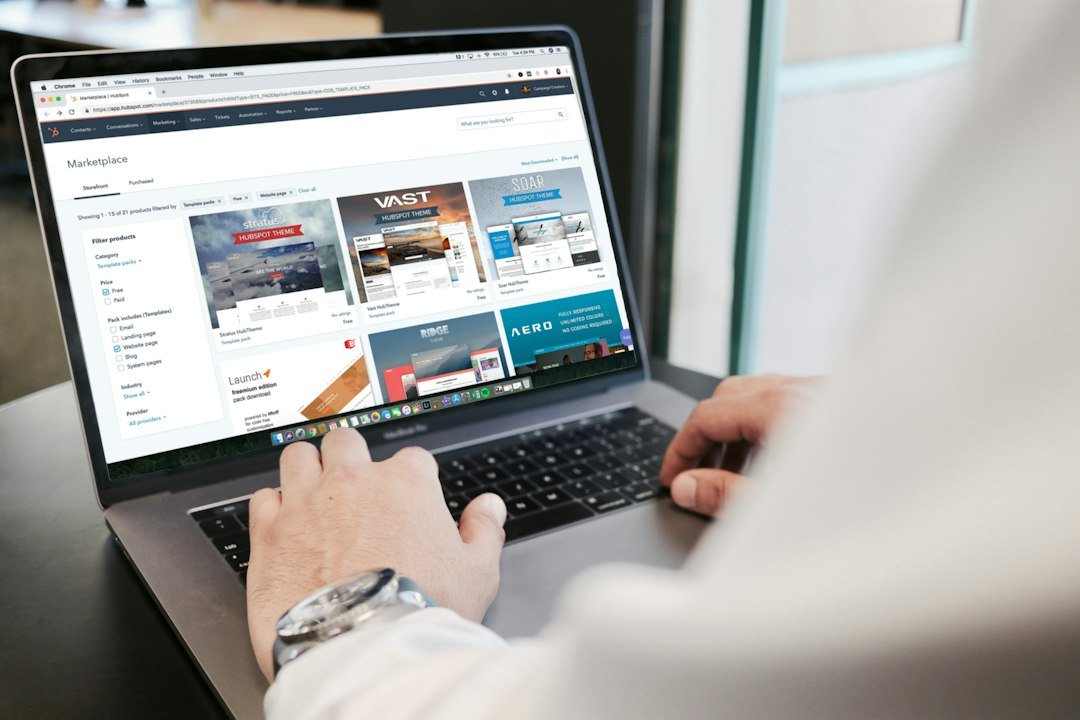
Start with the person responsible for the inbox. Ask when messages are reviewed, who covers absences and which requests need a telephone conversation. Put the approved answer near the contact options. If you do not offer overnight dispatch, do not use “24-hour emergency response” as a search phrase just because competitors use it.
A practical message might explain that online requests are reviewed during stated office hours and that submission does not reserve a visit. Keep urgent safety guidance separate from sales copy and have a qualified person approve it. This is a website communication plan, not advice for inspecting a damaged roof. A customer should never feel they must climb up to get a photograph for your form.
Collect enough context without making an application

For an initial request, consider a name, preferred contact method, property ZIP code and a short description. Make photographs optional. Explain that the team may need to ask more questions before confirming whether the job fits. Avoid asking for insurance documents, payment information or detailed personal records in a general inquiry form.
Separate an existing customer following up on a job from someone requesting a first assessment. They may reach different staff. Test both routes on a phone, including an invalid email address and a failed upload. A visible confirmation should say the message was received; a button changing color is not evidence that delivery worked. Test internally without sending unannounced messages to customers.
Connect search visibility to an honest service promise

A Tampa roofing company can describe real coverage in Tampa, Brandon or Riverview when its operations support those areas. Give customers useful distinctions, such as residential assessment versus commercial inquiries. Do not create a page for every nearby place with the same paragraph and a different city name.
Google’s local guidance identifies relevance, distance and prominence as local ranking factors. A clearer website does not erase distance or guarantee map placement. Review Search Console queries alongside actual accepted requests. If a page attracts the wrong work, adjust its description and routing before producing more content. The useful outcome is an inquiry the team can handle, not a bigger count of button clicks.
Practical checklist
- Approve the callback wording with the office.
- Check both new and existing customer routes on mobile.
- Review accepted inquiries separately from form attempts.
RenForge Studio builds website systems and supports SEO for roofing, HVAC, construction, real estate and service businesses. Explore our services or tell us about your website. For a related guide, read the Tampa roofing SEO keyword-map guide.
For a related application, explore the Tampa storm and replacement inquiry-routing study. These planning examples explain proposed decisions and do not report completed client results.
Keep a missed call connected to a usable next step
A roofing website can offer an inquiry route when a call is missed, but the office still needs to own the reply. State what a visitor can send, where it is received and how the team checks requests against real availability. Do not turn an unattended form into an emergency-response promise.
Check the roofing website busy-period maintenance checklist before changing availability messages. The after-hours inquiry message guide helps keep the website wording consistent with the staffed process.
Sources and photo credits
Further reading used to inform the approach:
Photographs: Featured image by Compagnons; Section image 1 by Campaign Creators; Section image 2 by sarah b; Section image 3 by H&CO. Images sourced from Unsplash under the Unsplash License. Stock photographs are illustrative; they do not depict verified RenForge projects or confirmed local properties.