Service-Area Pages: What to Write for the Places You Actually Serve
Build service-area pages with useful local details, genuine evidence, clear coverage, and an enquiry path. Avoid copying the same page for every city.

Service-area pages should explain where a business accepts work, which services are available and how a customer can check project fit. Give a location its own page when there is useful, maintainable information to add. A city-name swap alone does not create a better answer.
Start with the places the business can reliably serve today. That gives the writing an operational foundation. It also stops the website from promising coverage the team cannot deliver when a real enquiry arrives.
Decide whether the area needs its own page
Not every town needs a separate address on your website. If the service, process, availability, and evidence are identical across a small area, one clear coverage section may answer the question. A separate page becomes more useful when there is something meaningful to explain.
For example, a hypothetical installation company might need to discuss access arrangements for managed buildings, travel scheduling, or the types of properties it serves in an area. Those are customer questions. A paragraph about the town’s history, added only to make the page longer, does little to help someone book an installation.
Before commissioning a page, ask the person who schedules the work:
- Which parts of the area do we cover, and what falls outside it?
- Does travel affect appointment availability or the quote?
- Which services can we provide there?
- Do we have relevant, publishable examples or recurring questions?
If the answers are empty, improve the main service page first. Google identifies substantially similar regional pages that funnel people onward as a possible form of doorway abuse. There is no benefit in creating a collection you cannot justify to a customer.
Service page, service-area page or location page?
Choose the page type before writing. The distinction helps the business explain its coverage without publishing a separate version of every service for every nearby city.
- Service page
- Explains what the work includes, who it suits, its limits and how to request it. Use it when the service question stays the same across your coverage area.
- Service-area page
- Explains how an available service works in a particular area. Give it useful coverage, scheduling or access details that your team can verify.
- Location page
- Explains a real branch and its customer arrangements. State whether customers can visit; a staffed dispatch office and a walk-in location are different arrangements.
For example, a contractor planning pages for Tampa and Brandon should first ask what changes for the customer. If only the place name changes, keep a clear coverage section. If appointment arrangements or available services differ, explain those differences where they help the reader.
A service-area page template your team can complete
Use the outline below as a writing brief. Fill it with approved business facts before asking a writer or website provider to publish a page.
- Coverage answer: name the service and the area where the business currently accepts that work. State important exclusions nearby.
- Available work: explain which services apply and link to the relevant service details. Avoid copying the full service description onto every area page.
- Booking conditions: identify the information needed to check project fit. Include travel or scheduling conditions only when the business actually uses them.
- Supporting evidence: add an approved project detail, relevant operating policy or useful answer from the team. Keep the evidence specific to the claim.
- Useful next step: explain what someone should submit and what happens after the request. Keep the response commitment consistent with staffing.
- Review responsibility: record who approves the facts and when the team should check them again. Update the page when coverage changes.
Check the evidence before adding local claims
Ask operations to approve the coverage statement, the scheduling team to approve booking conditions and the project owner to approve photographs or testimonials. A stock image can support the presentation, but it cannot verify a local job.
Business Profile details need a separate accuracy check. Google’s business representation guidelines govern eligible locations and service-area arrangements. Publishing another city page does not establish another business location.
Before launch, follow the page from its parent service or coverage guide to the inquiry form. Check that the destination preserves the service and area context. Then use the SEO reporting and inquiry-quality guide to review the questions and suitable requests the page receives.
Replace city-name swaps with useful local detail

Give each justified page a clear job. Introduce the service and coverage, explain the booking process, show suitable evidence, and offer a practical next step. Keep the main answer close to the top so people do not have to read an essay to learn whether you serve them.
A simple writing brief might say: “Explain our scheduled maintenance visits in this area, the information needed for a quote, access requirements, and what happens after a request.” That brief is more useful than “write 1,000 words targeting service plus city.”
Use genuine work photographs with permission where available. Explain what the example demonstrates without exposing a customer’s address or private details. If you have no local project to show, be honest about that. Stock photography can illustrate a page, but it cannot serve as evidence that your team completed a job.
Do not invent an office to make the business seem nearer. Distinguish a real customer-facing location from an area you travel to. Likewise, avoid promising same-day visits unless your operations can support that promise.
Our service-page brief helps collect these details before design. For a location page, add the coverage and scheduling questions rather than starting from a blank document.
Connect the page to a sensible customer journey
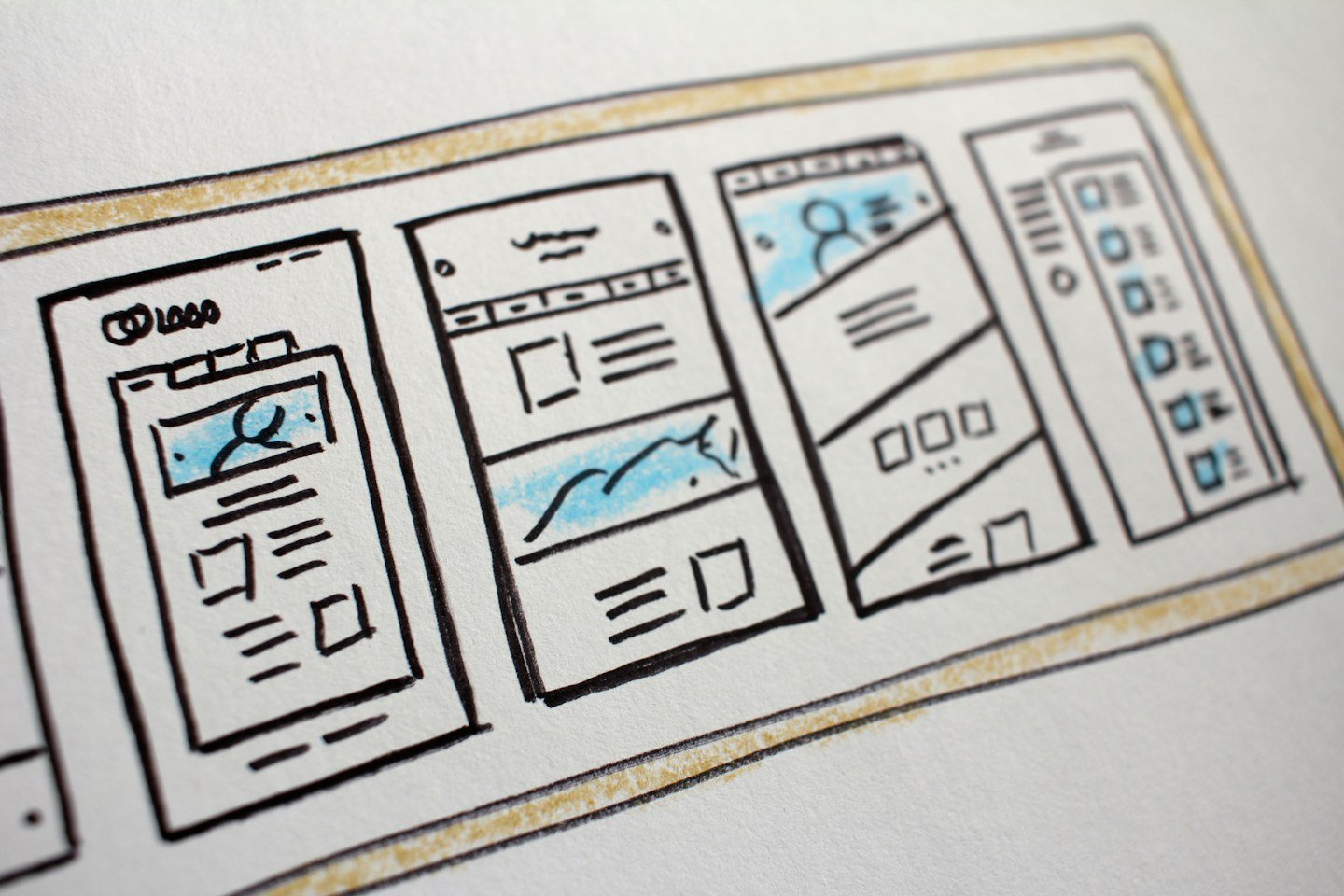
A page should be easy to reach from the relevant service or coverage overview. Use a descriptive link that tells people where it leads. Avoid a footer filled with dozens of near-identical town links that make the site harder to scan.
The enquiry form should ask for enough information to check coverage: the service required, the general job location, and a way to reply. Explain when someone will respond. Ask for a precise address privately when it is needed for the work, rather than encouraging customers to publish one in comments.
After publication, review enquiries by service and area. Are people requesting work you actually offer? Do they misunderstand a travel charge or coverage limit? Improve the relevant answer when a question repeats. Search impressions are useful, but the enquiry itself can reveal a mismatch the ranking report does not explain.
Keep a list of area pages and review it when staffing, coverage, or services change. If two pages have become interchangeable, consider consolidating them with a planned redirect instead of maintaining both indefinitely.
RenForge Studio can help organize service content and website structure. View our services or discuss your coverage and page plan before building a large set of local pages.
Separate a staffed branch from service coverage
Before commissioning another location page, identify what changes for the customer: the responsible team, available service, contact route or useful project evidence. A real difference can justify a distinct page. Replacing one city name with another does not explain that difference.
For businesses with genuine branches, the multi-location contractor website structure guide explains how to keep location facts and inquiry responsibilities together.
Sources and photo credits
- Google Search Essentials: doorway abuse
- Further reading: Andrew Shotland, Search Engine Journal — Local Landing Pages
Photos, in order of featured image followed by section images: T; catrina farrell; Nwar Igbariah; Hal Gatewood. Used under the Unsplash License. These are illustrative stock photographs, not RenForge client projects or business premises.